A rejected template is a diagnosis problem, not a wording lottery
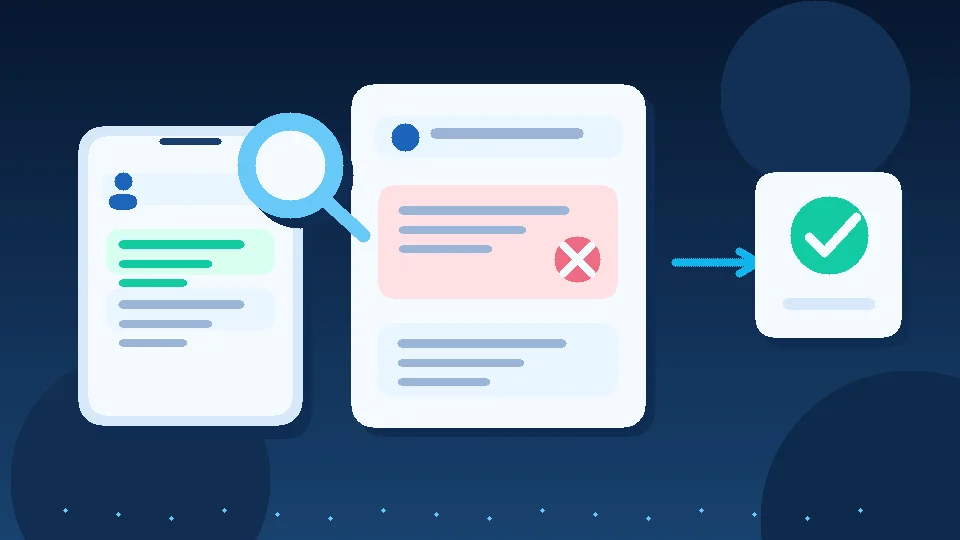
When a WhatsApp Message Template is rejected, do not immediately change two words and resubmit. Find the rejection reason in WhatsApp Manager, then decide whether you are dealing with formatting, message category, or policy compliance. Those require different fixes. If the template supports time-sensitive customer service, prepare a compliant fallback rather than letting the workflow silently fail.
Templates are reviewed message formats used to initiate conversations on the WhatsApp Business Platform or contact customers outside the service window. Under the WhatsApp Business Messaging Policy, updated September 23, 2026, businesses may reply without a template during the 24-hour window following a customer's latest message. Outside that window, approved templates are required. This is a Platform rule, not a description of the standard Business App.
Find the actual reason before rewriting
Open WhatsApp Manager for the correct business account and inspect Message Templates. Check the template status and any policy or review details. Depending on your account, the reason may also appear in Business Support Home or an administrator notification. Record the template name, language, category, submitted text, and reason so your team does not repeat the same mistake.
Distinguish Rejected, Pending, Approved, and Paused. A template that never passed review is different from one paused after being used. Do not assume every failure is caused by a typo.
Three failure types, three different fixes
1. Variables and sample values
If the message inserts a name, date, or order reference, check placeholder braces, variable order, and review samples. A message consisting almost entirely of placeholders may be hard to evaluate. Never use real sensitive customer data as sample content. This is a practical formatting checklist rather than a complete official list of rejection reasons. The reason shown in your account and Meta's current requirements are authoritative.
Illustrative rewrite: Instead of a message made of a name and a date alone, write: "Your appointment request is recorded. Review time: {{1}}. Reply to our team if you need help." This is an example of clearer copy, not a promise of approval.
2. Category does not match intent
An appointment confirmation with a discount offer added to it is no longer purely operational. Ask whether the message reports on something the customer requested or tries to stimulate a new purchase. Promotional intent should be classified and consented to appropriately. Renaming a template does not change what the message does.
3. Policy or trust issue
Check that the recipient agreed to the relevant communication and that you are not asking for complete payment-card or sensitive identity numbers. The official WhatsApp policy requires opt-in, honoring opt-out requests, and protecting sensitive identifiers. When the underlying workflow violates a rule, fixing the sentence alone will not solve the problem.
A practical workflow for the team
Keep a small template register with purpose, language, category, owner, submission date, status, rejection reason, next action, and approved version. Before changing a template used in a campaign, identify where it is referenced. Test variables using clearly fictional order details and read the rendered customer-facing message.
If an appointment confirmation template is rejected, do not switch to unapproved bulk messaging from another number. Instead, use an authorized human fallback for urgent cases, reply within valid service windows when customers contact you, and record appointments that still need confirmation.
If a review or appeal option appears in Business Support Home, follow the account's available process and preserve the original decision and supporting samples. No wording guarantees Meta approval.
Five checks before resubmitting
Can the reader understand the purpose? Does the category match the intent? Is there enough fixed text around variables? Is the relevant consent documented? Does the team know what to do if the message is not delivered? Correct one reviewed version rather than creating many near-duplicates.
For consent, see the WhatsApp opt-in and opt-out guide. For a first implementation, use the pre-launch WhatsApp API checklist.
Where Mr. AI fits
According to its current product FAQ, Mr. AI helps teams respond using company knowledge, follow up, review conversation summaries, and hand cases to people. That is not a claim that Mr. AI approves Meta templates or guarantees template acceptance. Test your actual messaging workflow and verify template requirements in your WhatsApp account. To evaluate organized follow-up after a reply, try Mr. AI.
Sources: WhatsApp Business Messaging Policy, September 23, 2026.