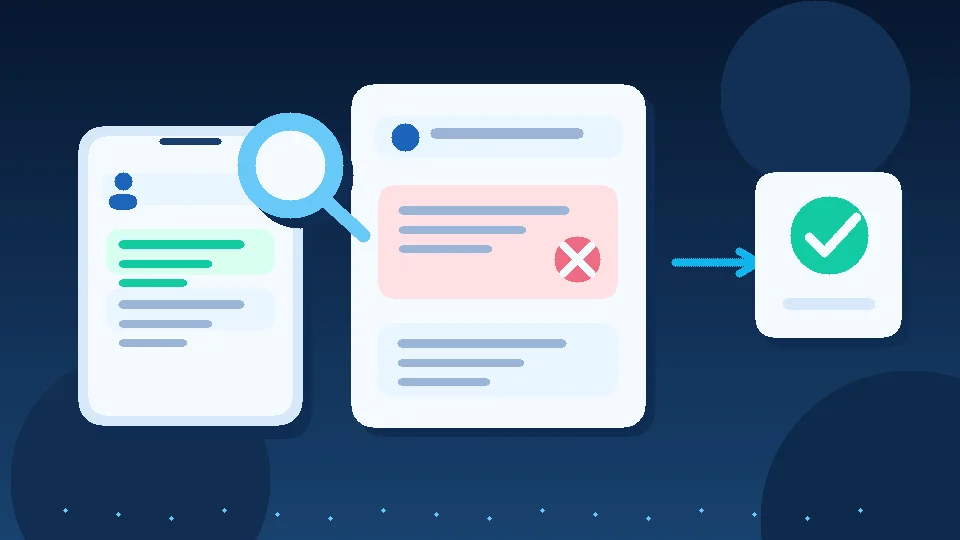
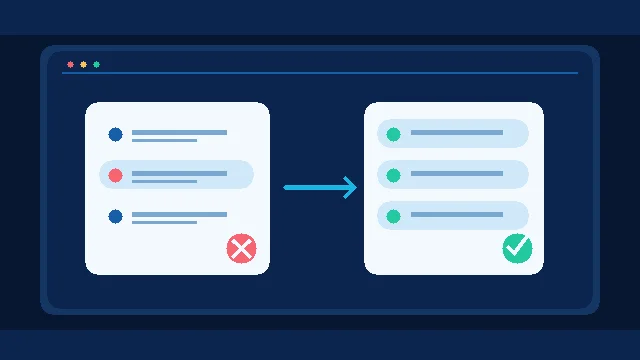
When an approved WhatsApp template suddenly stops delivering, do not rerun the entire campaign first. Check whether the template is still Active with a declining quality rating, or whether its status has actually changed to Paused or Disabled. Those are different operational problems, with different next steps.
Approval is not a permanent sending guarantee
Approval means the template passed review when submitted. Its quality can change after people receive it and provide feedback. Quality and status are separate: an Active template can carry a Medium or Low quality label, while a Paused template cannot be used until it returns to a sendable state. Yesterday's successful campaign is not evidence that the template is still usable today.
The WhatsApp Business Messaging Policy, updated September 23, 2026 requires appropriate opt-in and respect for opt-out requests, and allows messaging restrictions following negative feedback. The template operations guide explains common status and quality transitions. These are global platform rules, not Egypt-specific campaign performance statistics.
Diagnose before rewriting the copy
Open WhatsApp Manager or your provider's dashboard. Record the template name, language, category, current status and last attempted send. Inspect actual delivery outcomes rather than the number of API send attempts. Active with Low quality is a warning to review the message and audience. Paused or Disabled calls for stopping dependent campaigns until the applicable recovery route is clear.
Distinguish a newly rejected template from an approved template that later paused, and both from an account or integration outage. If approval never happened, use our template rejection troubleshooting guide instead.
Fix why recipients did not welcome the message
Read a sample of messages that recipients actually received. Did the audience expect this type of communication? Was the purpose obvious? Did an order-update audience receive an unrelated promotion? Could recipients easily stop future messages? Changing a few words will not fix a campaign sent to the wrong people.
Consider an academy sending a new-course offer to everyone who previously asked about class schedules. Some people may have agreed to operational updates, not promotional messages. The sensible correction is to separate those audiences and their permissions before revising the copy. This is an illustrative workflow, not a Mr. AI customer result.
A practical response plan for sales and marketing
Assign one campaign owner. List affected templates, time-sensitive messages and customers requiring legitimate follow-up. Do not evade a pause by moving the same unwanted campaign to another number or misleading template category. Check the edit, appeal or recovery options available in your account, since the appropriate action depends on the status and cause.
Before resuming, test with a small, appropriately opted-in audience. Track delivery outcomes, replies and opt-outs. Keep delivered messages divided by attempts separate from reply rate. Neither metric alone proves that a campaign created business value.
What Mr. AI can and cannot do
According to its current product FAQ, Mr. AI supports replies grounded in company knowledge, conversation follow-up, summaries and human handoff. It is not claimed to unpause Meta templates or control their quality ratings. Its relevant role is to help teams organize legitimate next steps once platform delivery issues are resolved.
For consent design, see our WhatsApp opt-in and opt-out workflow. To test conversation follow-up and human oversight against your own workflow, try Mr. AI.
References: WhatsApp Business Messaging Policy, September 23, 2026, template quality and compliance guidance.