A B2B buyer sends a PDF on WhatsApp with the message: "Please quote against these specifications." The biggest risk is not opening the file slowly. It is reading one page, missing a technical appendix or delivery condition, and pricing an item that does not meet the requirement. Treat the attachment as a source of requirements to verify, not as an approved order ready to execute.
Identify what the attachment actually represents
It might be a formal request for quotation, an early specification list, a competitor's product sheet or an obsolete revision. Ask for a project reference if available, the response deadline and confirmation that the file is the latest approved version. The timestamp of the WhatsApp message does not prove the document itself is current.
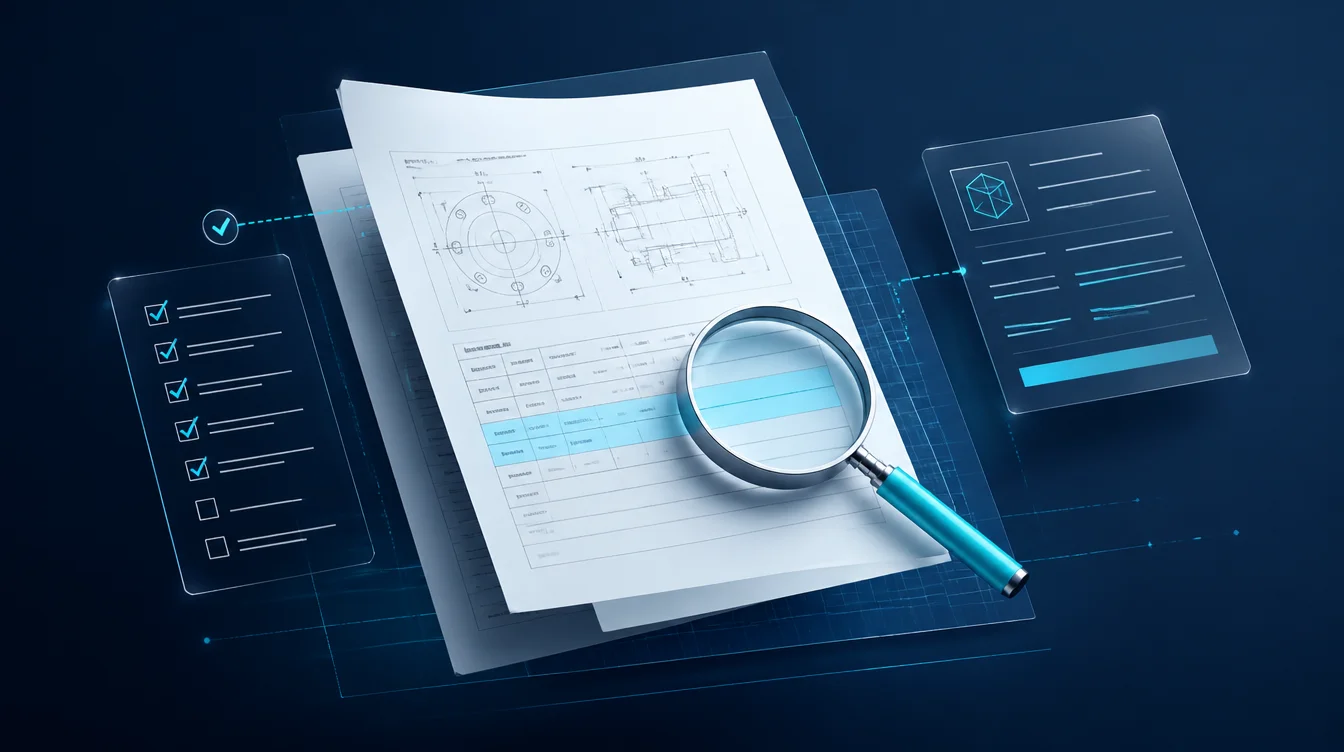
Read tables, drawings, notes and annexes, not just extracted text. Text extraction can lose units, symbols and relationships between cells. If the file contains unreadable scans or missing pages, request a clearer version instead of guessing.
Separate confirmed requirements from assumptions
Create a simple requirements register: item description, quantity, unit of measure, technical standard, delivery date, whether alternatives are allowed, and the page or section that supports each entry. Mark unknowns as requiring clarification. Do not fill them with a salesperson's intuition or an AI-generated guess.
For example, a fictional supplier receives a PDF requesting "25 diameter pipe" without a clear unit or material standard. A rushed response might quote the closest available item. A careful team will confirm the specification before sending a final offer. This is an illustration, not a Mr. AI customer case.
Microsoft Dynamics 365 documentation on supplier RFQ collaboration explains that RFQs may include attachments at the request or line level and that revisions are part of the procurement workflow. This is a global enterprise software example, not an Egyptian legal requirement.
File security is part of the intake process
Attachments from outside the organization need safe handling before they are opened or processed by automated tools. The official OWASP File Upload Cheat Sheet recommends allowing only necessary file types, checking file signatures and sizes, scanning when appropriate and restricting access. A .pdf extension alone is not proof that a file is safe.
If your business uses automated document processing, test it on realistic examples after removing sensitive information. Establish where files are stored and who can access them. Do not upload confidential customer documents to public services without an appropriate authorization and data-handling policy.
Reply before you have a final quote
A useful WhatsApp response is: "We've received the specification file and will review it item by item before pricing. Can you confirm this is the latest revision, whether technical alternatives are acceptable, and the required delivery date? We'll identify what we can quote and which items need clarification."
If the buyer sets a deadline, do not promise to meet it before checking the file's complexity and team capacity. Assign an owner and give a realistic time for the next update, not an invented completion promise.
Keep revisions from contaminating the quote
Record the document version and date received. Keep questions and confirmed answers together. If the buyer sends a revised attachment, do not merge the two versions without checking what changed. State explicitly which revision the quotation is based on. For changes after approval, see our purchase order revision guide.
This differs from the broader B2B WhatsApp quotation workflow. The distinct problem here is reviewing document attachments and verifying technical requirements before pricing.
What Mr. AI can and cannot do
The current Mr. AI FAQ confirms assistance with company-knowledge replies, follow-up and conversation summaries. It does not establish that the platform performs technical PDF review, security scanning or automatic specification-compliant quoting. Those capabilities would need separate verification before any promise to a customer. Start by reviewing five attachment-based requests with sales and technical staff, then test the reply and follow-up workflow with non-sensitive examples.