When sales reps receive WhatsApp inquiries and copy names into Google Sheets, the problem is not simply moving data. The same lead may be entered twice, a follow-up may be forgotten, or someone may send messages without a clear basis for contacting the customer.
Short answer: Google Sheets can be a useful first lead register for a small team with manageable volume. It is not a shared inbox or an automatic CRM replacement. A reliable integration needs an authorized message source, defined fields, deduplication and ownership of the next action.
Decide what you actually need to record
Ask your team whether the goal is capturing initial inquiries, managing a sales pipeline or sending bulk messages. These are three different projects.
For a simple register, begin with six fields: inquiry time, internal lead identifier, channel, request type, assigned owner and next action deadline. Add a lead status such as new, needs clarification, follow-up or closed. Store phone numbers or other personal data only when needed and with suitable access controls.
Two very different approaches
Option one: structured manual entry
An employee reviews the message and adds a row after verifying the information. This is not the fastest option, but it helps establish whether your fields and qualification rules work. Test it for a week before investing in integration.
Option two: WhatsApp Business Platform and a webhook
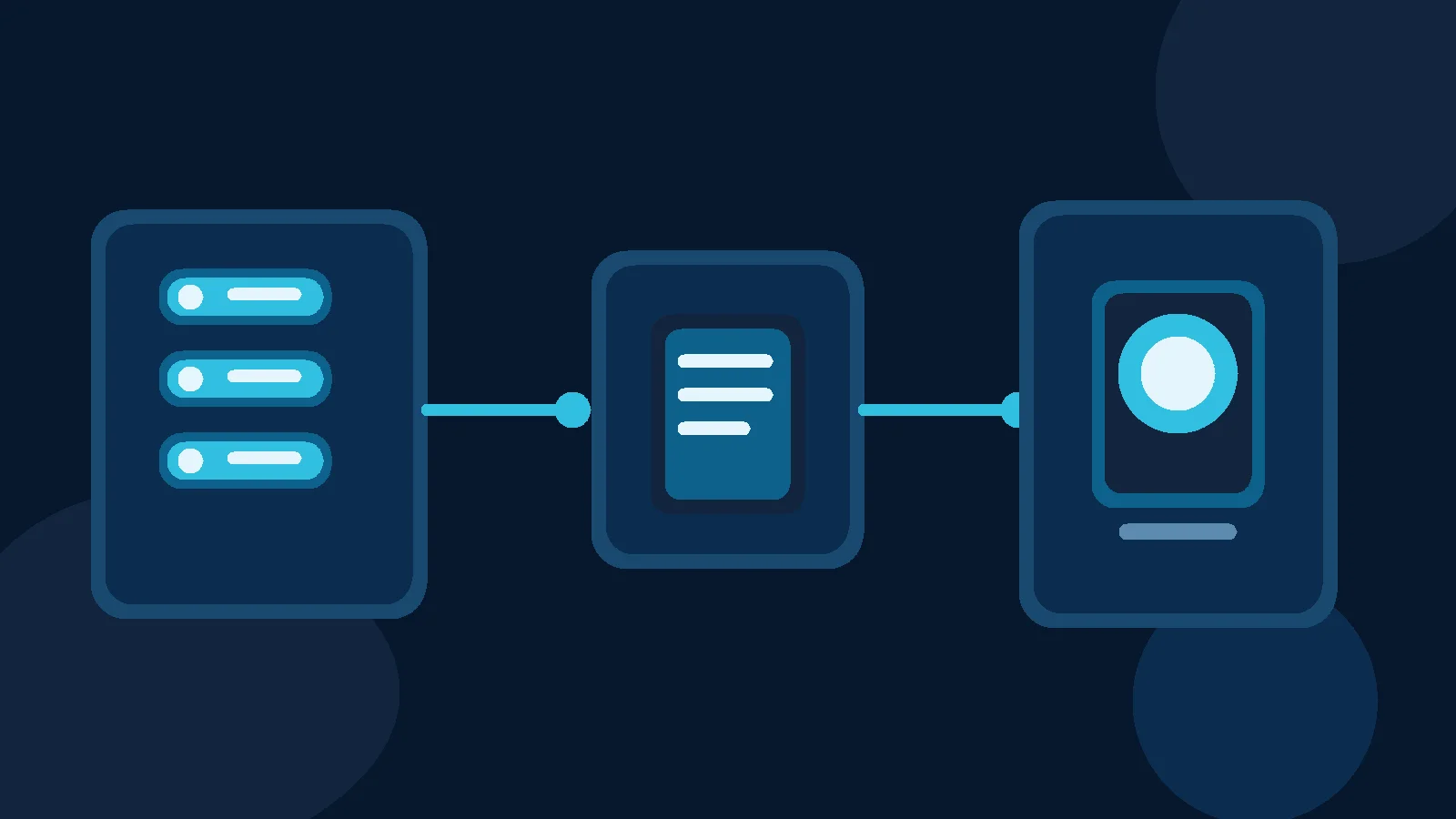
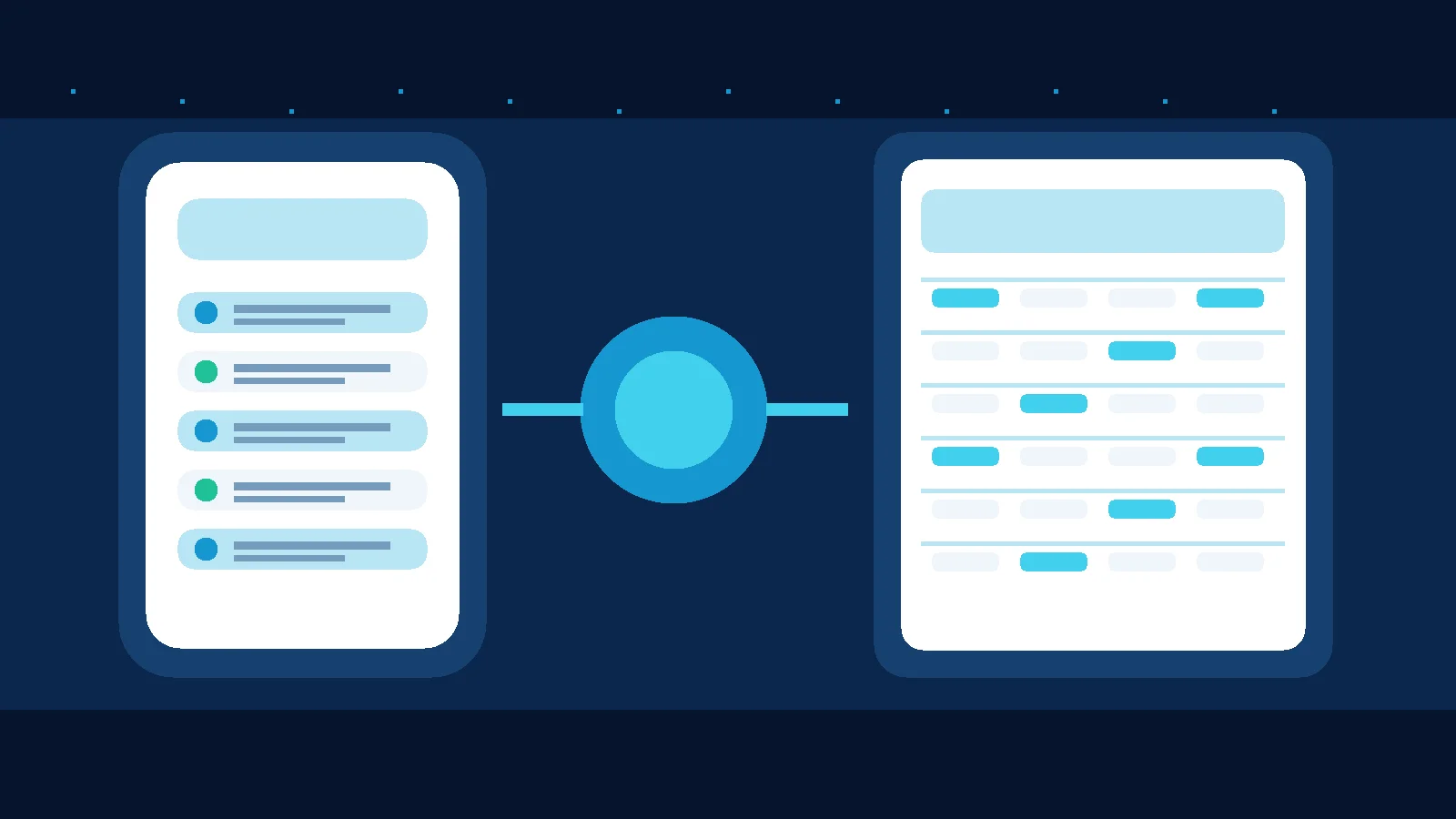
With an appropriate official integration, your backend can receive authorized messaging events and write selected fields to a spreadsheet through an API or Google Apps Script. Google Apps Script is Google's official automation platform. It is not a magical direct WhatsApp connection. You still need secure webhook configuration, source verification, network error handling and permissions.
Avoid unknown extensions that demand WhatsApp sessions or passwords. A QR-based workaround does not automatically provide the same guarantees as the Business Platform. Review the WhatsApp Business Policy before automating outbound messages.
A useful lead register
| Field | Illustrative value | Purpose |
|---|---|---|
| Lead ID | L-104 | Keeps cases distinct |
| Channel | Records origin | |
| Intent | Service inquiry | Determines next step |
| Owner | Sales team | Makes responsibility explicit |
| Next action | Send details | Turns a row into work |
| Due at | Tomorrow at 11 AM | Exposes overdue follow-up |
| Consent status | Needs verification | Avoids assuming permission |
These are hypothetical values, not customer data.
Three issues that appear after the first week
Duplicates: A customer can write multiple times. Use a stable conversation or lead identifier and update the existing row when appropriate rather than creating a new record for every message.
Write failures: A webhook can retry or temporarily fail. Record delivery and processing outcomes and make retries safe. Receiving a message does not prove the spreadsheet write succeeded.
Access: Anyone with editing access can change or copy records. Review sharing permissions, minimize stored data and define an appropriate retention period. Do not treat a public spreadsheet as a secure database for sensitive customer information.
When should you move to a CRM?
If several employees edit the same cases, you need granular permissions, change history, or connections between sales stages, calls and orders, evaluate a CRM. If the need is assigning live conversations and preserving shared context, also compare a shared inbox. Our WhatsApp CRM guide for Egypt explains the differences.
Does Mr. AI have a native Google Sheets integration?
We do not claim that Mr. AI provides a native Google Sheets integration without current product documentation. According to its current FAQ, Mr. AI supports knowledge-based replies, follow-up, conversation summaries and human intervention on its supported messaging channels. These are distinct from exporting spreadsheet rows.
Run a free test before building an integration
Take 30 past inquiries, remove unnecessary personal information and try the manual register. Count cases without an owner or next action and identify duplicate records. If your main problem is conversation handling rather than data transfer, try Mr. AI to evaluate that part of the workflow. For a broader system decision, book a demo and discuss your requirements without assuming an undocumented integration.
Sources: Google Apps Script and WhatsApp Business Policy.