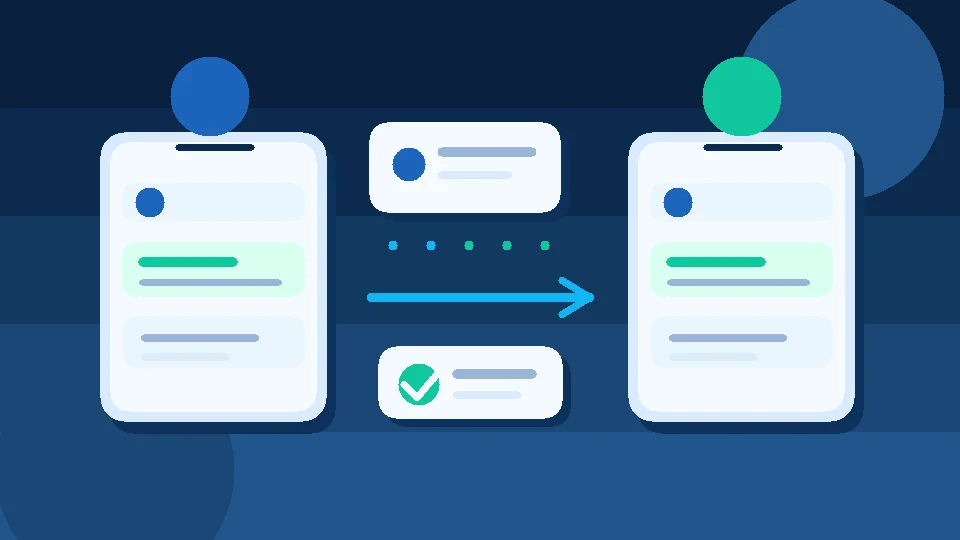
When every team member needs the same phone to reply to customers, or two colleagues answer the same inquiry without knowing about each other, typing speed is not the problem. One WhatsApp Business number now serves a team, but there is no clear conversation ownership.
Short answer: Start with linked devices in the WhatsApp Business app if your team is small and the workflow is simple. If you need clear ownership, structured follow-up and a shared conversation record, test a shared inbox or a system connected to WhatsApp Business Platform. Not every business needs an API, and access from multiple devices is not the same thing as team management.
Option one: WhatsApp Business app with linked devices
Start with the official Linked Devices feature. It allows additional devices to connect to a WhatsApp Business account, subject to the account's current limits and available features. Check WhatsApp's linked devices guide and second-phone instructions before setup. The details can change by account and app version.
The advantage is a low-friction starting point without a custom integration project. The limitation is that access to the same messages does not, by itself, establish ownership, a sales pipeline or a reliable follow-up report.
Usually a fit when: only a few colleagues handle a manageable message volume and agree who owns each conversation.
Option two: a shared inbox for service or sales teams
A shared inbox is a team workflow, not simply several devices running the same app. Each conversation should have an owner, a visible status, notes and a next action. Some solutions connect through WhatsApp Business Platform, but setup and features vary across providers.
Before buying software, request a hands-on demonstration of four actions: a new message arrives, one agent claims it, that agent hands it to a colleague with context, and an unfinished conversation appears in a follow-up queue. If these steps are unclear, you have not tested the problem you intend to solve.
Usually a fit when: several employees work on the same leads, messages get lost across shifts or managers need accountability for follow-up.
Option three: separate numbers for separate team members
This is an operational alternative, not a way for several people to work from one number. Each employee can handle a different number, but customers may be unsure whom to contact and their history may fragment. Use separate numbers only when there is a clear reason, such as distinct branches, and a way to preserve customer context.
A quick comparison
| Question | Linked devices | Shared inbox | Separate numbers |
|---|---|---|---|
| Does the customer keep one contact number? | Yes | Usually, depending on setup | Not necessarily |
| Is assignment built into the workflow? | Do not assume so | Test assignment directly | Process-dependent |
| Is follow-up history centralized? | Requires manual discipline | Depends on the product | May need another system |
| Are there added operating costs? | Check app limits | Often subscription and possible channel fees | Managing multiple numbers |
This table is a decision framework, not a guarantee about any specific account or product. Verify the actual features and costs in a trial.
Test a real handoff before migrating your number
Imagine a shop in Egypt answering questions about sizes and delivery. The morning agent helps a customer, who returns in the evening to ask about delivery time. If the evening agent cannot see the context, the customer must explain everything again.
Run this five-business-day test:
- Count new conversations and those without a clear owner.
- Select ten real conversations with appropriate permission, or use realistic test cases.
- Hand conversations between two agents with a short summary and next action.
- Record follow-ups that were needed but not completed on time.
- Compare team effort and cost before and after, without attributing any sales improvement solely to the software.
A useful metric: the percentage of conversations with a named owner and a documented next step, not simply the number of messages sent.
What to check before connecting WhatsApp Business Platform
If a proposed solution requires an API, ask whether your number is eligible, how the connection works, and whether migration or changes to the existing app are necessary. Also review access permissions, customer data handling, messaging rules, platform costs and possible WhatsApp charges. Do not assume that every feature is available for every Egyptian number without testing.
Read our WhatsApp Business app versus Platform guide to decide whether you need a platform at all, and our WhatsApp Business API pricing guide for Egypt before committing to a budget. For official guidance on account options, consult the WhatsApp Business help center.
Where Mr. AI fits
According to its current product information, Mr. AI supports WhatsApp, Facebook Messenger and website chat. It assists with replies grounded in company knowledge, follow-up and conversation summaries, with human intervention when needed. That may help when the real issue is not device count but keeping every inquiry moving toward a clear next step.
However, do not assume a particular agent-assignment or permissions feature works exactly as you imagine. Test your own team's workflow before subscribing.
A free checklist for your team
Write down the answers: How many agents reply? How many conversations cross shifts? Who owns each inquiry? Where is the next action recorded? When must a human step in? What consent and messaging rules apply? What is the total monthly cost?
Start by handing ten conversations between two colleagues and documenting the gaps. Then you can try Mr. AI for free without a credit card, using your company information to test replies and follow-up. If your setup is complex, discuss the requirements with the team in a demo after you have defined the workflow.