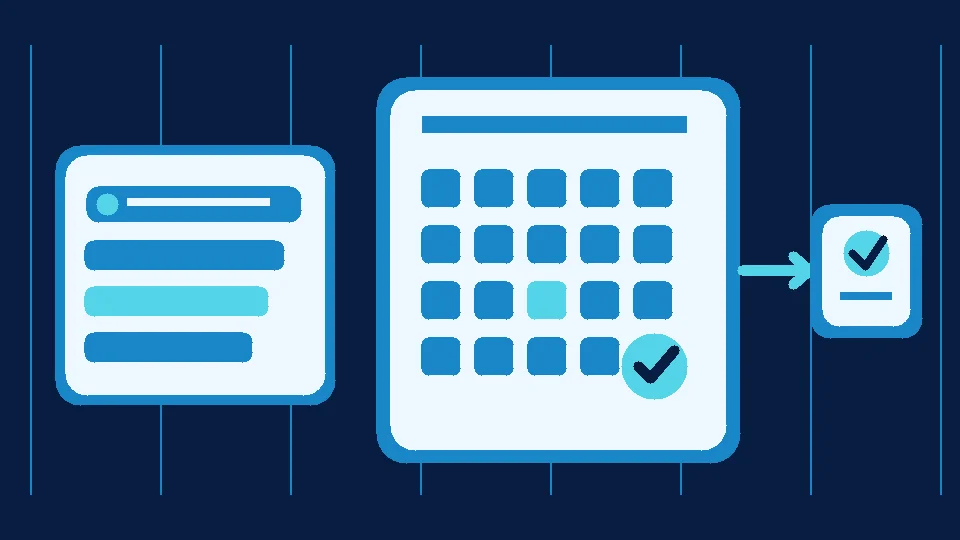

A patient writes, “Is there an appointment tomorrow?” A fast answer helps, but it is not a booking. If the conversation ends without an agreed time and a next owner, the patient may believe the visit is confirmed while reception has no appointment on record.
The operating rule: distinguish an appointment enquiry, a booking request, and a confirmed appointment. Each state needs a different next action.
Design the booking workflow before automating replies
For a clinic with several doctors, “Any availability?” is not enough to confirm a visit. Collect only what reception needs: the service or specialty, preferred day, contact route and any essential scheduling detail. Do not ask for sensitive medical information in a general messaging thread simply to classify a lead.
Once the request is clear, there are two legitimate paths. If a verified, permissioned scheduling integration exists, available slots can be checked through that system. Otherwise, the accurate response is, “Reception will check and confirm your appointment,” rather than inventing availability.
A genuine confirmation should identify the clinic, date, time and location or arrival instructions. It also needs to exist in the actual appointment register. A friendly AI message alone is not a booking record.
The five states reception should be able to see
| State | What is known | Next action |
|---|---|---|
| New enquiry | The requested service | Collect minimum details |
| Availability pending | The request is clear but no slot is approved | Reception checks |
| Confirmed | A slot is recorded and communicated | Share arrival details |
| Change requested | Patient wants a different slot | Reconfirm after updating |
| No response | No final acceptance | Appropriate follow-up or closure |
If staff cannot tell which state a conversation is in, the bottleneck is not only response speed. It is ownership of the next step.
A practical one-week diagnostic
Consider a hypothetical clinic receiving 25 appointment enquiries. Ten require an availability check, and five people later ask, “Was it confirmed?” These are illustrative numbers, not Mr. AI customer results.
Instead of counting answered messages, measure how many pending requests reach a clear decision and how long confirmation takes. For one week, record first-message time, request type, owner, current state and confirmation time. This small log can expose the bottleneck before you buy software.
Reminders still need consent and message discipline
If you use WhatsApp Business Platform for reminders, review permission to contact patients, message purpose and the relevant template rules. The official WhatsApp Business policy requires appropriate opt-in and respect for requests to stop messaging. WhatsApp's pricing page describes pricing by recipient market and message category; check the current rate card and actual billing instead of assuming every reminder is free.
Keep sensitive clinical details out of routine reminders wherever possible. Date, time and reception contact information may be enough, subject to your clinic's privacy obligations.
Where Mr. AI fits, and where it does not
According to its current published product information, Mr. AI supports replies from your approved business knowledge, follow-up, next-step tracking, conversation summaries and human handoff across WhatsApp, Messenger and website chat. Do not assume automatic integration with a doctor's calendar or medical record system. Verify any required integration before promising patients confirmed slots.
Start by testing the five-state log on 20 real enquiries with sensitive details removed. If the delay between enquiry and confirmation is your bottleneck, try Mr. AI with common booking questions, then request a demo to discuss any integration needs.
Bottom line
“Can I book?” is not the same as “Booked.” Define state, owner and next action first. Use automation to reduce dropped requests, not to bypass reception approval.