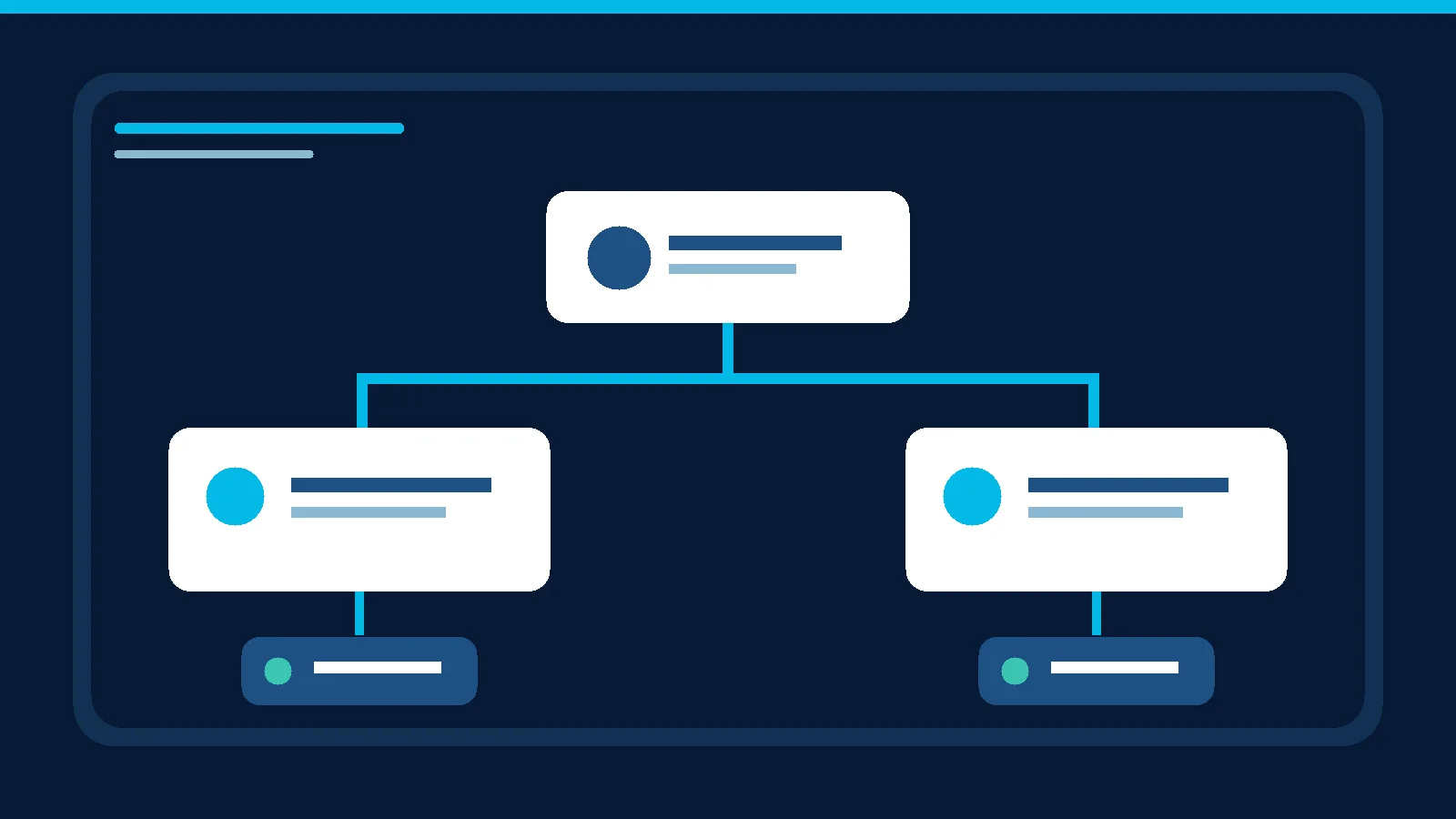
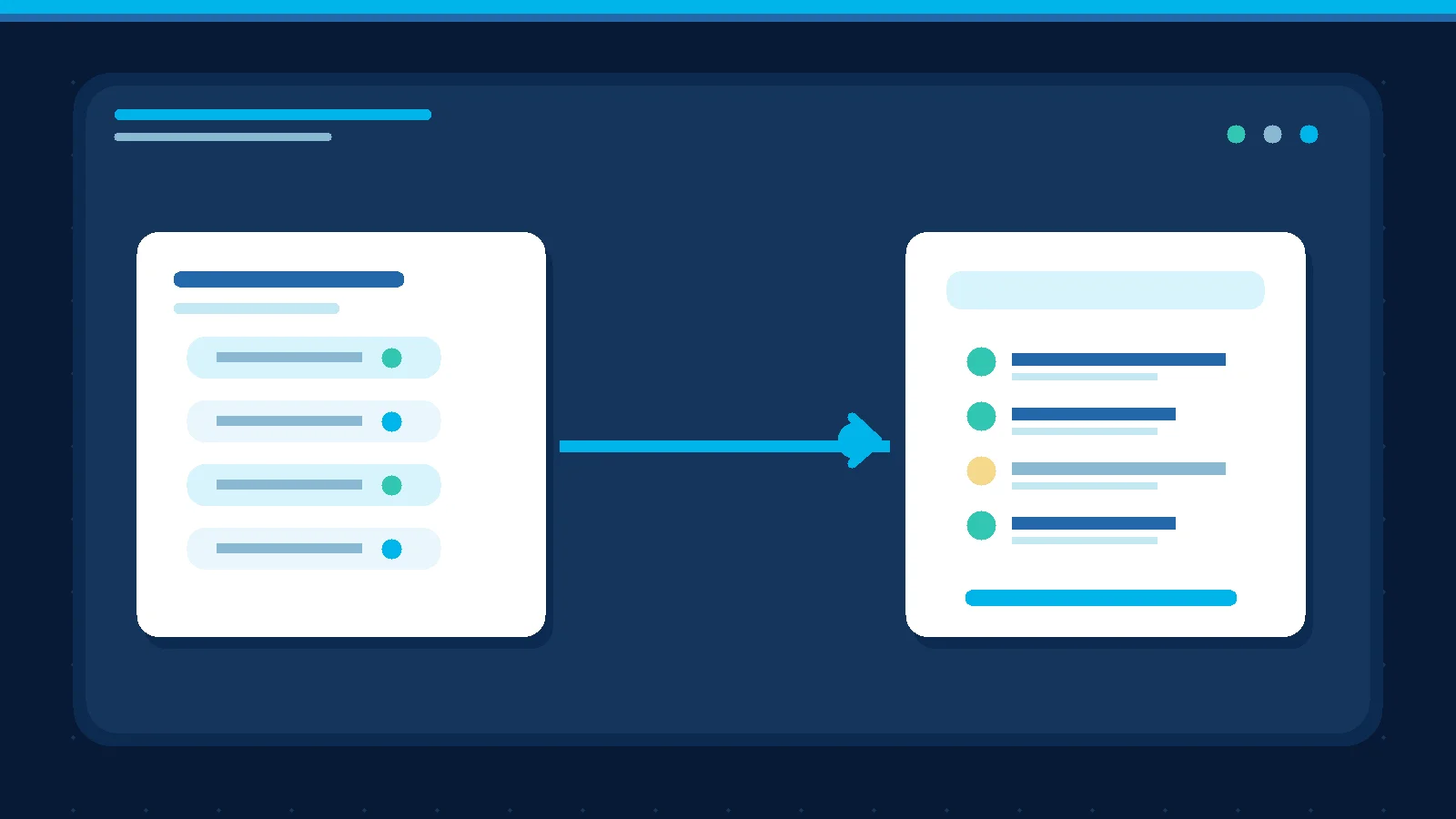
The hardest part of moving a customer from AI to a sales representative is rarely the handoff button. It is the moment the representative opens the conversation and asks, “What are you looking for?” even though the customer already explained it. A good handoff transfers actionable context, not just a notification.
Our guide to first human response SLAs after AI handoff addresses timing and ownership. This guide addresses a different question: what information should the representative actually receive?
Use a concise handoff record
Start with the reason for escalation in one sentence: “The buyer requested a price exception that needs approval” or “The customer wants an appointment that a team member must confirm.” Include only contact details that the customer has appropriately provided, the business name if stated, the channel, the requested product or service and what the assistant has already explained.
Separate three kinds of information: customer-confirmed facts, system interpretations that need verification, and unanswered questions. “Probably next week” is not a confirmed purchase date. A budget that was never mentioned should be recorded as unknown, not estimated and presented as fact.
For a B2B services team, a useful record might include the requested service, team size if supplied, the buyer's objection, a preferred callback window, decision-maker role if known and a link to the original conversation. Do not dump the full transcript into a single field. The seller needs the next decision and the ability to inspect the underlying messages when necessary.
Keep assumptions and sensitive information out
Do not copy passwords, payment credentials or unrelated sensitive personal data into a sales summary. Do not infer a person's authority from their name or profile picture. Collect only information needed to serve the request and follow your organization's privacy policy.
A quote request is not approval of a discount. Asking about an appointment is not a confirmed booking. Distinguish “asked about” from “accepted.” If an earlier automated response may have made an unapproved promise, flag it explicitly for review rather than burying it inside a polished summary.
Test the handoff with a blind review
Select ten escalated conversations. Give their handoff records to a salesperson who has not read the original threads. Can they identify why the case was transferred, what the customer needs, what is confirmed, what remains unknown, what action comes next and who owns it?
When the representative repeats a question the customer already answered, diagnose whether the answer was missed, summarized ambiguously or became outdated. When the record is overloaded, remove unnecessary details. Success is not more fields. It is a shorter path to the right human action without losing context.
Microsoft's lead qualification documentation describes mapping lead information to sales records, and its lead management FAQ explains how notes can remain available after qualification. These are general workflow references, not evidence of a specific Mr. AI integration.
What Mr. AI currently supports
The current product FAQ says that conversations can be handed to the team with their summary and record so a person can review the request. This supports continuity, but it does not establish custom CRM field synchronization or automatic integration with every sales system. Check the actual summary and transcript available in your account before designing downstream fields.
Start with four mandatory elements: handoff reason, confirmed request, open question and next action with owner. Add fields only after reviewing where real cases break down. To explore the handoff in your team's workflow, book a demo.